1
A few questions about the day
How did today go? What was hard? The app asks, and you answer in your own words.
The product
Storybot comes in two parts: an app where you prepare the story, and a calm object that tells it. So the phone stays out of the bedroom.
The object
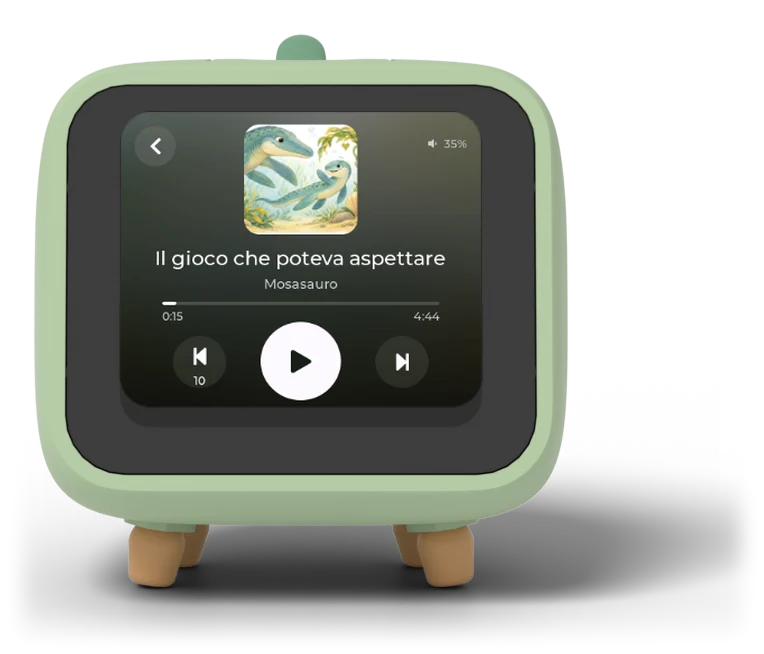
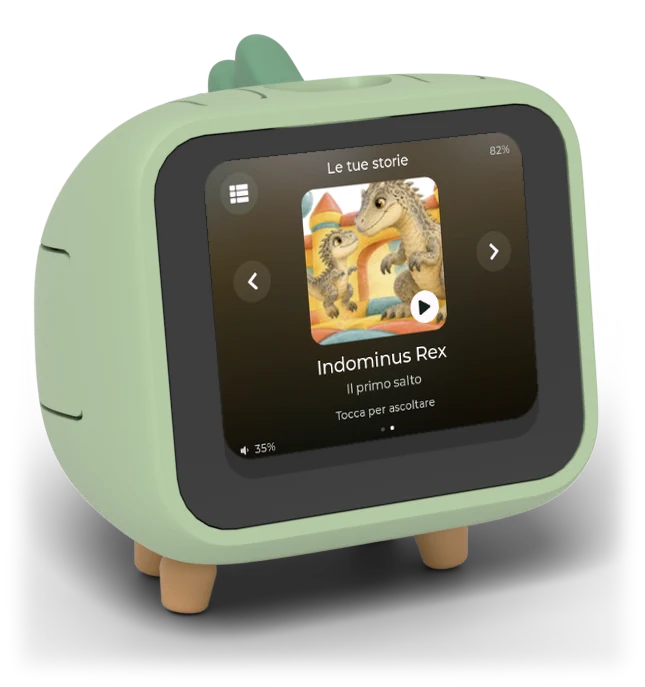
It is shaped like a little animal, with a screen the size of a postage stamp. It is made to be listened to, not watched.
It shows the cover, the title and how far the story has come. Nothing else.
Every transition is soft, with no jolts. Nothing flashes, nothing jumps, nothing calls out.
One story at a time, in a row. Familiar to you, easy for them.
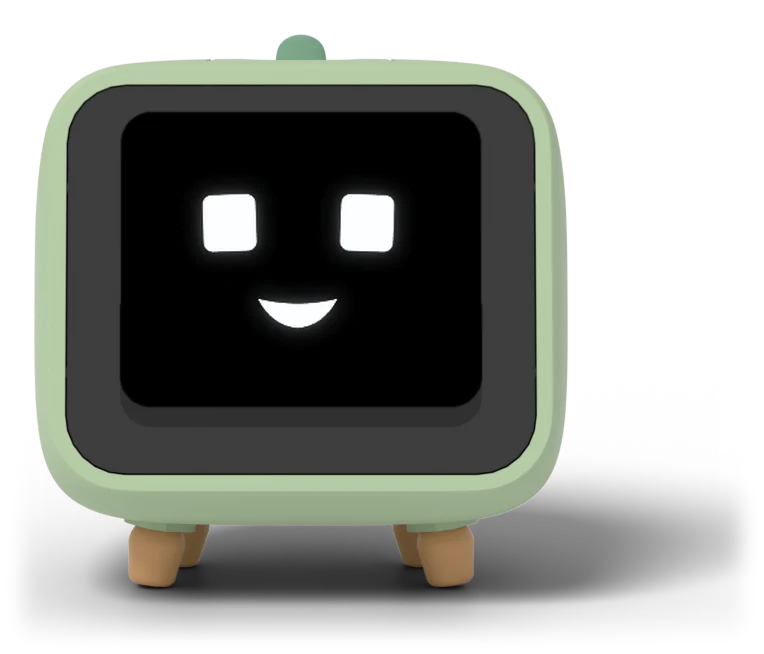
A small dinosaur with a screen for a face: a character to grow fond of, not a gadget.
The app
Everything that needs a real screen happens on your phone, before bedtime. Only the story reaches the bedroom.
How did today go? What was hard? The app asks, and you answer in your own words.
When you describe a difficulty, the app suggests a way through it. That resolution becomes the heart of the story: the thing it teaches.
The app brings back the ones you’ve used, suggests new ones, or lets you write your own. In time they become family friends.
Finished stories, sorted into playlists by what they teach: sharing, waiting, being brave, falling asleep.
Choose who narrates each story: Mum, Dad, or someone else in the family.
When the story is ready you send it to Storybot. From then on the phone isn’t needed: it can stay out of the bedroom.
Adding a voice
Choose “Add a voice” and say whose it is.
Unhurried, the way you’d read it at bedtime. Storybot listens for tone and rhythm.
From then on any story can have that voice, including brand-new ones.
The voice stays in the family: it is only used for your stories, and you can remove it whenever you like.
Honest questions
It is small, slow and almost still: a cover, a title and the story’s progress. There are no videos, games or notifications. Storybot is for listening, and eyes are free to close.
Because in bed the phone brings everything else with it: a buzz at the worst moment, a lit screen, the pull of one more video. With Storybot you prepare the story on your phone, send it to the device, and the phone stays outside.
No. When you’re short on time there is the library: finished stories, sorted into playlists by what they teach.
They start from what you tell the app. You choose what the story is about, who is in it and what it teaches; the technology shapes it, in the tone of a bedtime story.
You read one short chapter aloud in the app. From that reading Storybot learns the tone and rhythm of your voice, so it can tell stories you have never read yourself.
Mum, Dad, grandparents, anyone in the family who is happy to read a short chapter.
We’re working on it. Join the waitlist and we’ll write when it’s ready.
Storybot is on its way. Leave your email and we’ll write when it’s ready, and only then.